Only the app you pick
Each app gets its own pitch. Shift Spotify while Discord sounds normal, or apply it to the whole system.
Change the pitch of
any Windows app
Shift Spotify, YouTube, Discord or a game up or down while it plays, in real time and without changing the speed.

A pitch knob for everything that plays on your PC.
Each app gets its own pitch. Shift Spotify while Discord sounds normal, or apply it to the whole system.
Up to 12 semitones up or down without changing the speed. The formant keeps voices natural.
Five backgrounds, a color control that tints the whole interface, and adjustable text contrast.
Simple effects with knobs you understand at a glance.
Record your PC audio, trim it, preview it before saving and export it as WAV.
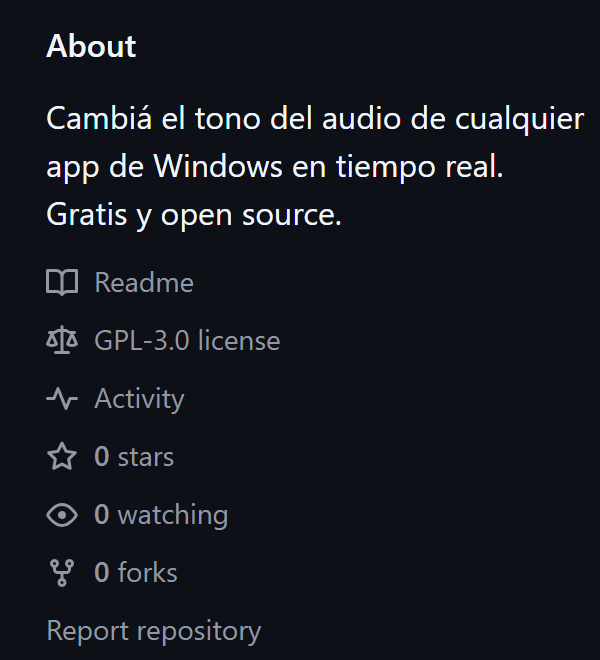
No account, no paid version and no ads inside the app. Code under GPL 3.0 on GitHub. Windows 10 and 11.
Yes. There is no paid version, no account and no ads inside the app. The code is open source under the GPL 3.0 license and you can review it on GitHub.
It is a virtual audio device made by VB‑Audio. Audio Pitcher sends the sound of the chosen app to that cable, shifts its pitch and plays it back on your headphones or speakers, so you only hear the modified version. The installer adds it for you. VB‑CABLE is donationware: if you find it useful, you can support its authors at vb‑audio.com.
That warning shows up for new apps without a paid digital signature. Click "More info" and then "Run anyway". All the code is published on GitHub for anyone to review.
Only the first time, if the installer added VB‑CABLE. Updates don't ask for it.
If you just installed it, restart your PC once. If you hear nothing after closing Audio Pitcher, Windows may have set VB‑CABLE as your main output: open the sound settings (speaker icon on the taskbar) and pick your headphones or speakers. Also check that the output in Audio Pitcher's settings is not "CABLE Input".
Any app that plays sound: Spotify, browsers, Discord, media players and games. In browsers the change applies to the whole browser, not to a single tab.
No. The pitch changes and the tempo stays the same, so the song lasts just as long.
It is the timbre of a voice. If you raise the pitch a lot, voices sound thin and squeaky. Adjusting the formant separately keeps a more natural timbre, or exaggerates it if you want an effect.
Windows 10 (version 2004 or later) or 11, 64 bit.
When a new version is out, the app lets you know when you open it and installs it with one click. If you'd rather wait, a discreet button stays there for later.
From Windows Settings, under Apps, like any other program. VB‑CABLE stays installed because other apps may use it; to remove it, use the uninstaller from its official site.
One installer, one restart the first time, and you're set.